One of the most common filters that we apply to our clients Google Analytics accounts is an IP filter for office locations. Although employees may be a primary user of your site, it is likely that you are still primarily interested in your site's performance for external users. But as more of the workforce transitions to longer-term work from home, companies should take action to ensure their website analytics data remains as accurate as possible.
That is where an IP filter for your employee’s home IP addresses can come in handy. And collecting that information is easier than you may think. All you need is a little help from your team! Here’s what you’ll need to ask them to do:
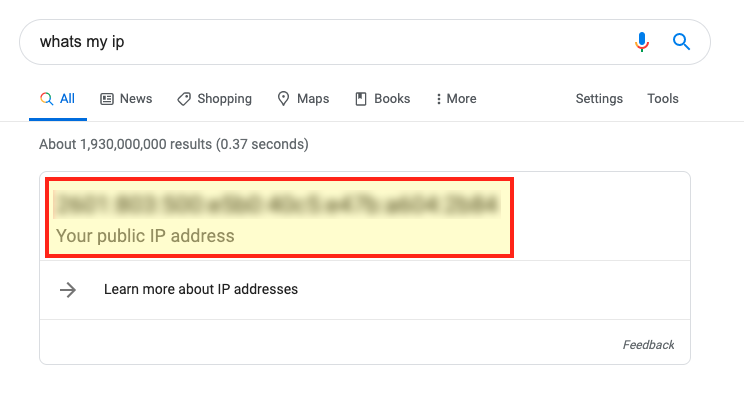
NOTE: Some larger companies may have trouble collecting IP addresses for all employees. That is ok! It helps to prioritize. If you can gather information from your most frequent internal visitors (your marketing team for example) that can be a great start!
If you happen to be a Google Analytics administrator, here is a quick guide for how you can build an IP filter for your analytics account.
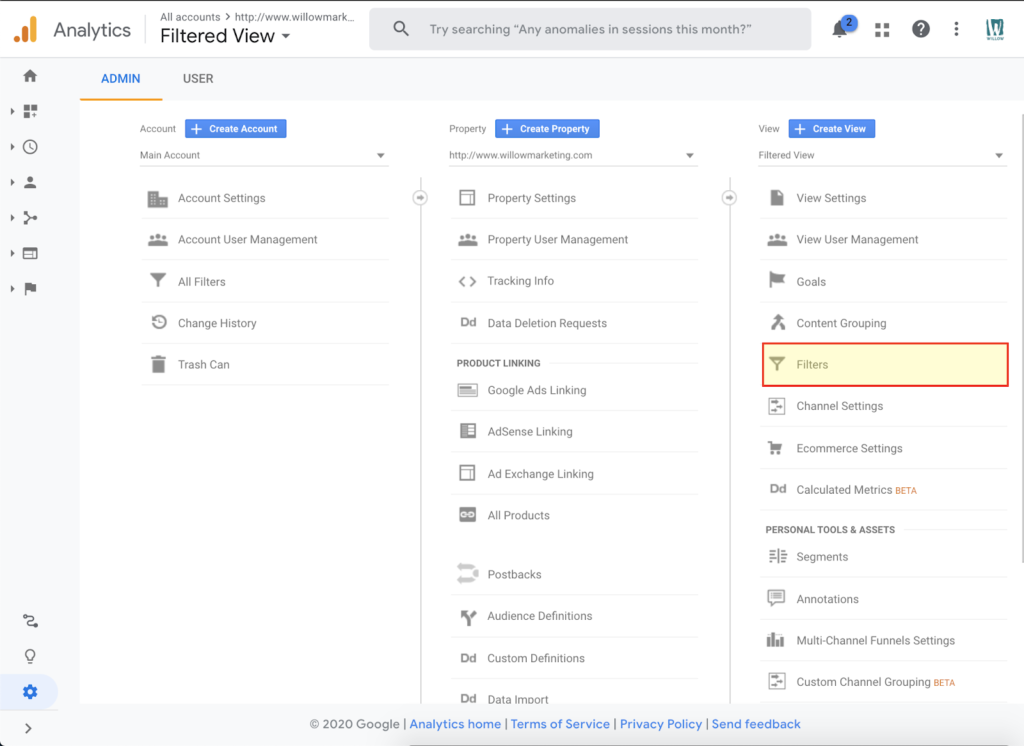
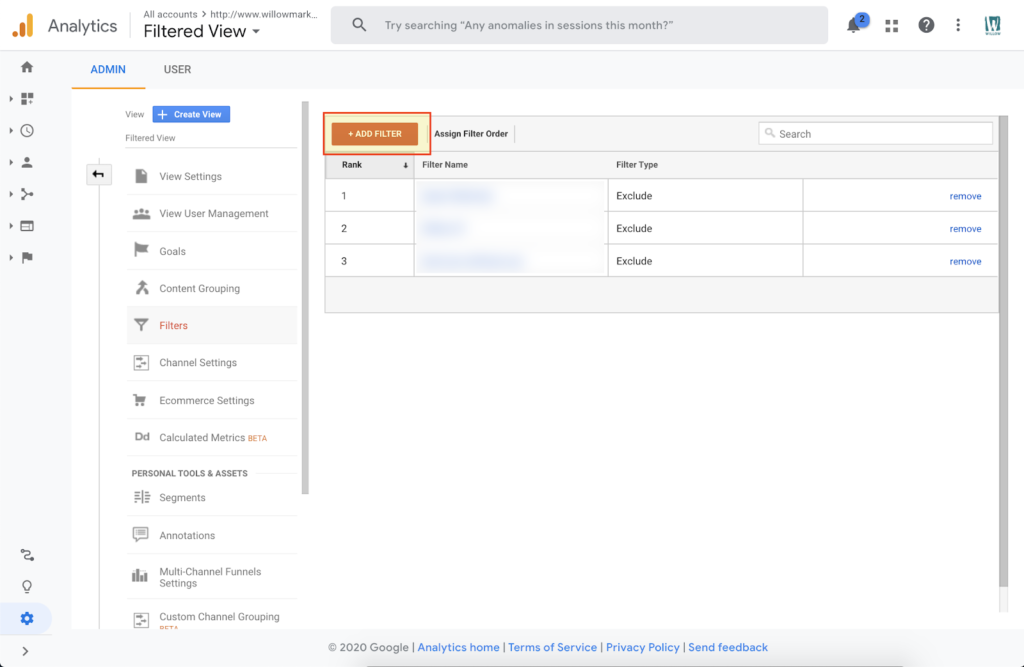
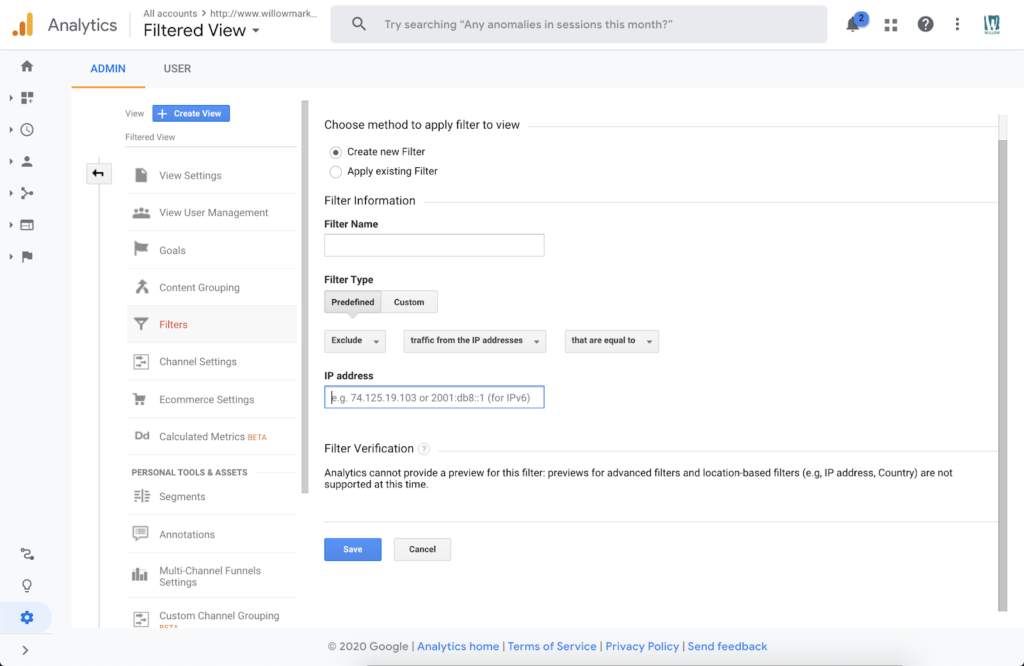
NOTE: You will need to create a filter for each IP address you wish to filter. Be sure to encourage your team to prioritize IP addresses of people who use the site most if capacity does not allow for all employees to be filtered.
